Why is a 5-minute typing test more challenging than a 1-minute test?
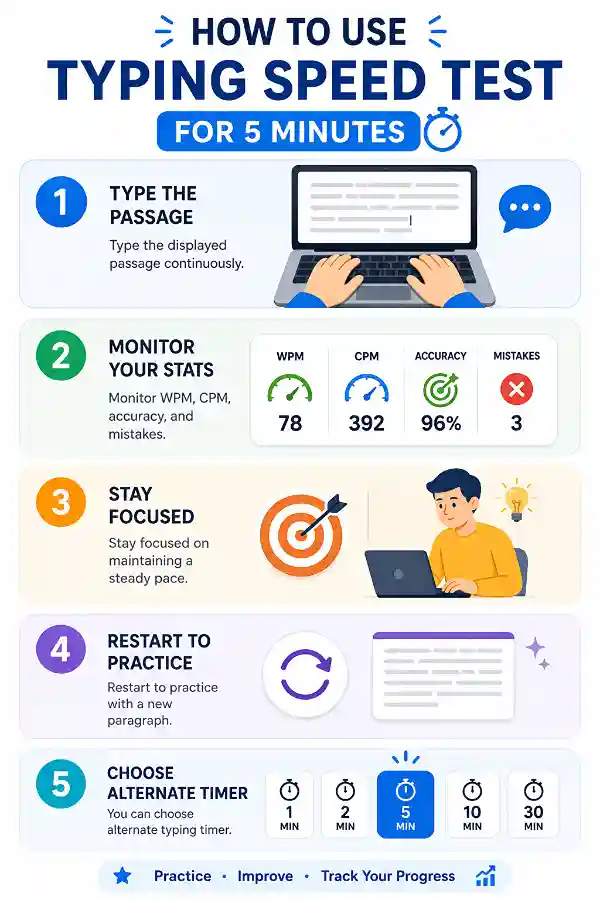
A five-minute session requires you to maintain your typing performance for much longer than a quick speed check. It highlights whether you can sustain both speed and accuracy without losing focus. This makes the results more representative of everyday typing tasks.
What can I learn from a 5-minute typing session?
Besides your WPM and accuracy, you can observe whether your typing speed remains steady throughout the test. You may also notice recurring mistakes or sections where your typing slows down. These insights help guide future practice.
Is five minutes enough to improve typing?
Yes. Five minutes is long enough to reinforce good typing habits while remaining easy to fit into a daily routine. Consistent practice often produces noticeable improvements over time.
Should I restart if I make too many mistakes?
Not necessarily. Completing the session gives you a better understanding of your overall typing performance. Reviewing your mistakes afterward often provides more useful learning than restarting immediately.
Is a 5-minute typing test better than a 1-minute test?
Both serve different purposes. A 1-minute test measures your immediate typing speed, while a 5-minute test shows whether you can maintain that speed with good accuracy. Longer sessions often reflect real typing habits more accurately.
Why does my typing speed decrease after a few minutes?
Typing speed may gradually decline as concentration changes or your fingers become less relaxed. This is completely normal during longer typing sessions. Practicing regularly helps improve stamina and maintain a steadier pace.
Is maintaining a steady typing speed important?
Yes. Consistent typing speed is often more useful than typing extremely fast for only a short time. A steady pace usually produces fewer mistakes and improves overall productivity.
Does the typing passage change after every restart?
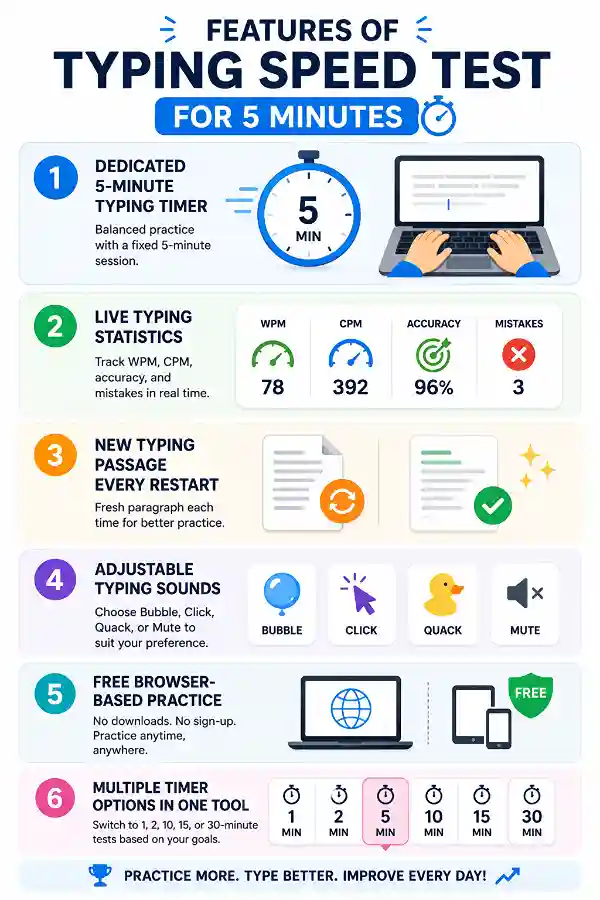
Yes. Each new attempt loads a different paragraph, giving you fresh content to type. Practicing with varied passages helps improve genuine typing skills instead of memorizing text.
Can I restart the test anytime?
Yes. You can restart the typing test whenever you want. A new paragraph will be displayed so you can begin another practice session immediately.
Can I change the typing sounds during the test?
Yes. You can select from the available typing sound effects or mute them completely. Choose the option that helps you stay comfortable and focused while practicing.
Is a 5-minute typing test suitable for beginners?
Yes. Although it lasts longer than quick typing tests, beginners can complete it at their own pace. The goal is to improve gradually rather than type as fast as possible.
Should I focus on speed or accuracy during five minutes?
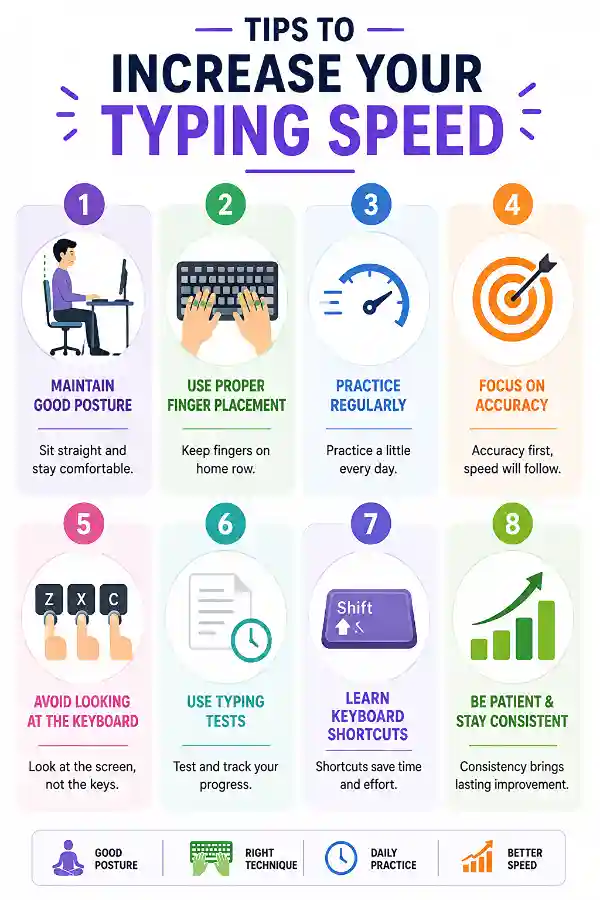
Accuracy should always be your priority. Typing accurately with a steady rhythm usually results in better long-term speed improvements than rushing through the text.
Is this useful for students?
Absolutely. Students often type assignments, notes, reports, and online assessments that require sustained typing. Regular practice can improve both typing speed and accuracy.
Why does punctuation slow down my typing?
Typing punctuation requires additional finger movement and often interrupts your typing rhythm. As you practice more with different passages, punctuation becomes easier to type naturally.
Does typing continuously improve finger coordination?
Yes. Regular typing strengthens muscle memory and helps your fingers move more naturally across the keyboard. Better coordination often leads to smoother and more accurate typing.
Why shouldn't I rush through the typing test?
Typing too quickly often increases mistakes and reduces overall accuracy. A controlled pace usually produces better long-term improvement than trying to achieve the highest possible WPM.
What should I do if my results stop improving?
Try focusing on accuracy instead of speed, practice at different times of the day, and repeat sessions regularly. Small improvements in typing habits often lead to better long-term results.
Can I switch to another timer after finishing?
Yes. Besides the 5-minute session, you can choose 1, 2, 10, 15, or 30-minute typing tests depending on your practice goals and available time.
How can I improve my 5-minute typing score?
Practice consistently, maintain proper posture, type at a comfortable pace, and review your WPM, accuracy, and mistakes after each session. Over time, these habits help build faster, smoother, and more reliable typing skills.
My fingers feel tired after a few minutes. Is that normal?
Yes. If you're not used to continuous typing, mild finger fatigue is common. As your typing technique and finger coordination improve, longer typing sessions become more comfortable.
I lose motivation halfway through the test. How can I stay engaged?
Focus on maintaining a steady rhythm instead of chasing a higher WPM. Setting small personal goals, such as improving accuracy or reducing mistakes, can make practice more enjoyable.
What is the purpose of a Mouse Accuracy Test?
A
Mouse Accuracy Test helps measure how precisely you can control your mouse movements and target objects on the screen. It is useful for gamers, designers, and users who want to improve cursor control and hand-eye coordination. You can use the tool to practice accurate mouse movements and evaluate your precision. The tool helps identify areas where users can improve control.
What is the use of a Double Click Test?
A
Double Click Test helps check whether your mouse can perform double clicks correctly and consistently. It is useful for identifying problems like accidental double clicks, delayed responses, or mouse switch issues. You can use the tool to test your mouse double-click performance and verify button accuracy. The tool is especially useful for gamers and users troubleshooting mouse problems.