Measure your clicking speed by calculating how many mouse clicks you can complete during the test duration. The tool converts your total clicks into a CPS score so you can understand your current clicking ability. It provides a clear benchmark for comparing your speed with different clicking techniques.
Complete a fixed 10-second clicking session to measure your clicking ability. The automatic timer starts with the test and stops when the countdown ends. The fixed test duration ensures every attempt is measured under the same conditions, making it easier to compare results.
Get your Clicks Per Second (CPS) score calculated automatically after clicking. The tool converts your total clicks into an easy-to-understand speed measurement. It helps users evaluate their clicking efficiency without manual calculations.
Check how effectively your mouse detects rapid repeated clicks during a high-speed clicking session. The tool helps identify missed clicks, inconsistent registration, or limitations in mouse response. It is useful when testing gaming mice or troubleshooting click performance.
Designed for users who want to measure clicking ability for fast-paced games and clicking challenges. The CPS result helps gamers understand their input speed and compare their performance with different clicking methods. It provides a simple way to practice and improve clicking efficiency.
Practice and measure your clicking speed as many times as needed without restrictions. Repeating the test allows users to compare scores, experiment with different clicking techniques, and track improvements in their CPS performance over time.

Other useful information
Explore our visual guides and infographics
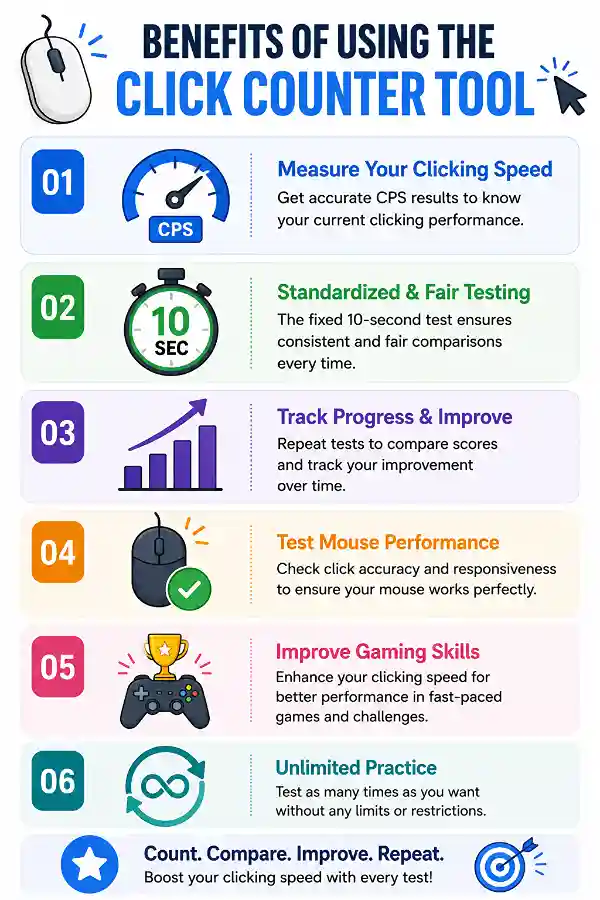
This infographic explains the benefits of using the click counter tool to improve accuracy in counting clicks.
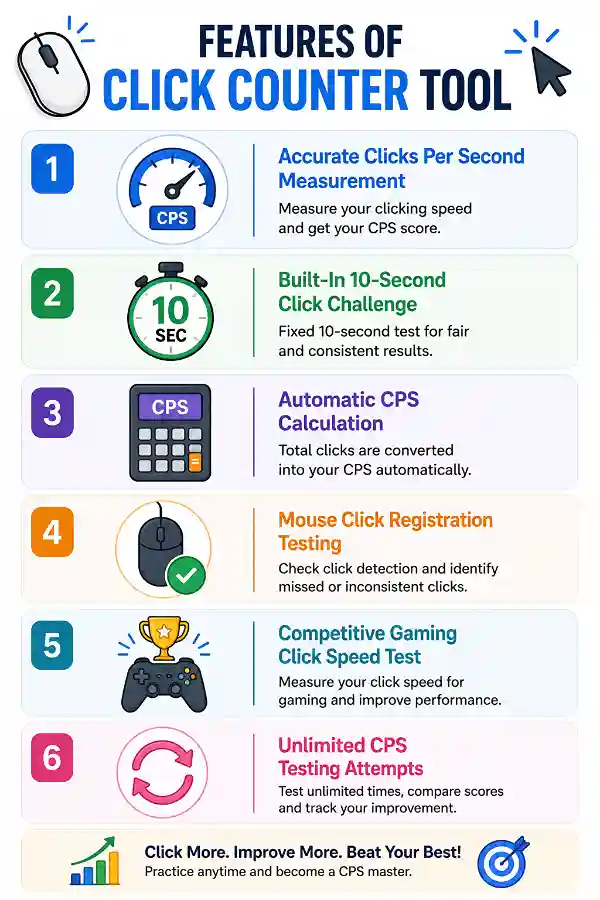
This infographic outlines the key features of the click counter tool, highlighting its ability to accurately count clicks.
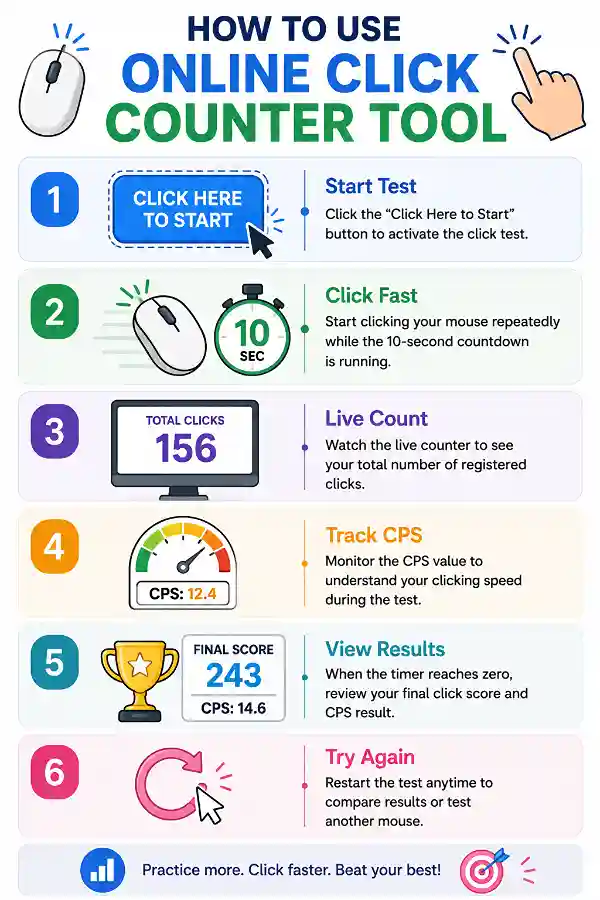
This infographic provides a step-by-step guide on how to use the click counter tool effectively.
Frequently Asked Questions
Yes, the tool can help identify basic mouse click problems by showing whether clicks are being detected consistently. If some presses are missing or inconsistent, it may indicate a mouse connection or hardware issue.
Over 150k Users Rely on Our Hardware Tester Tools Monthly
Join a growing community of creators who trust hwtests.com for testing keyboard,mouse,typing and many more