What is a Reaction Time Test?
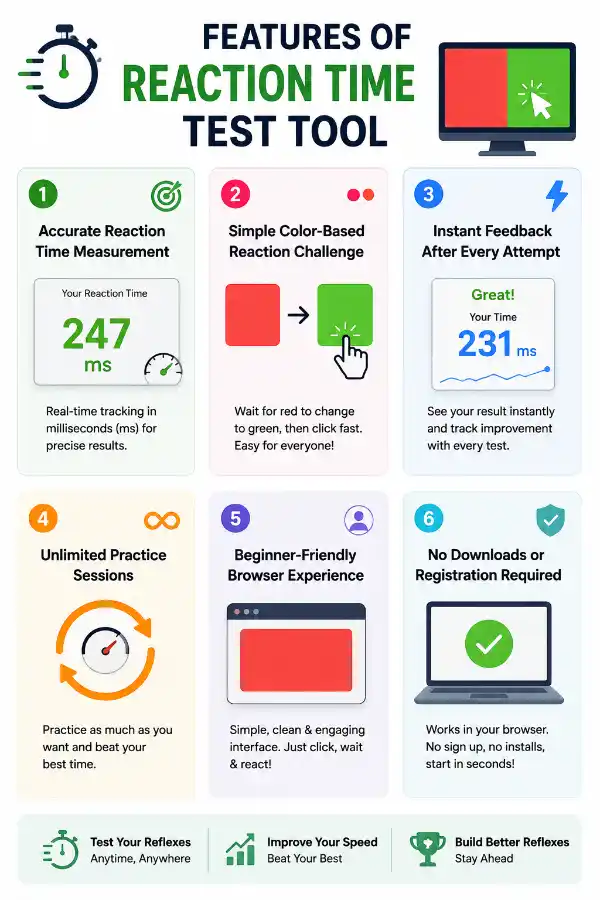
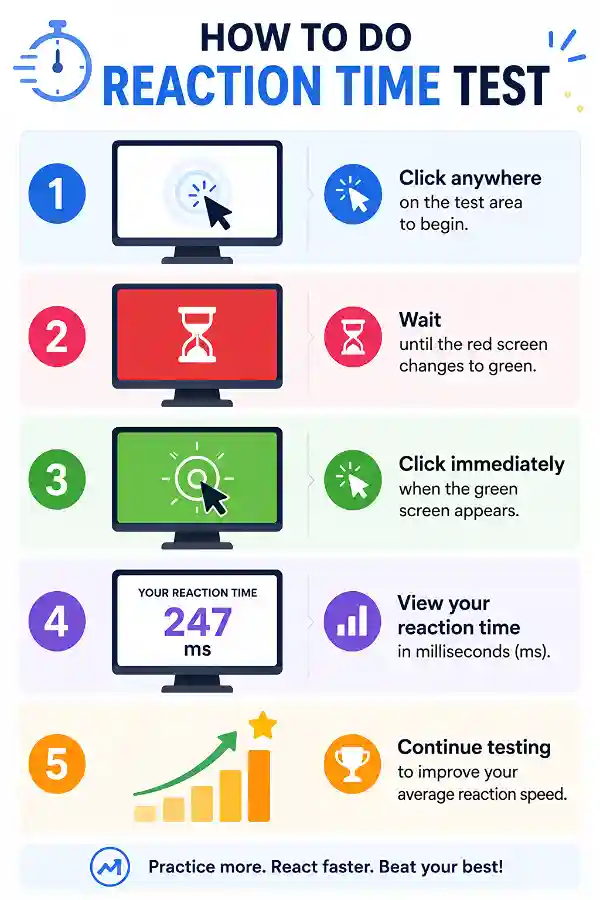
A Reaction Time Test measures how quickly you respond to a visual signal. In this tool, your reaction time is calculated from the moment the green screen appears until you click. The result is displayed in milliseconds (ms).
What does "milliseconds" (ms) mean?
Milliseconds are one-thousandth of a second. The lower your millisecond score, the faster your reaction time. For example, 180 ms is faster than 250 ms.
How do I start the test?
Click anywhere on the test area to begin. Wait for the red screen to change to green without clicking. Once the green screen appears, click immediately to record your reaction time.
Why shouldn't I click during the red screen?
The red screen is the waiting phase. Clicking before the green signal counts as reacting too early rather than measuring your actual reaction time. Waiting ensures accurate results.
What happens if I click too early?
The test detects early clicks and requires you to restart. This prevents false reaction time measurements and keeps the results fair.
What is considered a good reaction time?
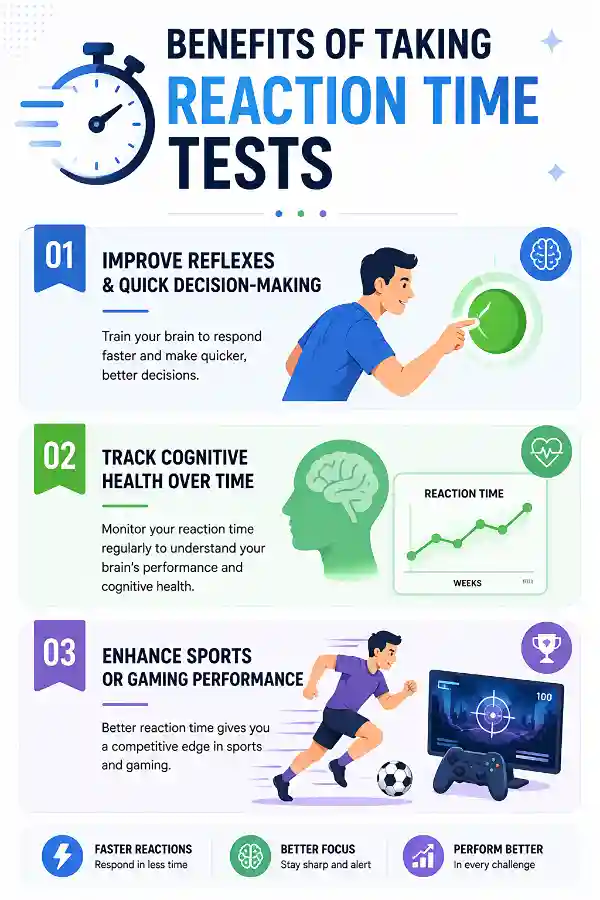
Most people achieve reaction times between 200 and 300 milliseconds. Faster responses are common among experienced gamers and athletes, while slower times are completely normal for casual users.
Can I improve my reaction time?
Yes. Regular practice, staying focused, getting enough sleep, and minimizing distractions can help improve your reaction speed over time. Consistency is more important than occasional fast results.
Why are my results different every time?
Reaction time naturally varies between attempts. Focus, fatigue, distractions, and even anticipation can affect how quickly you respond.
Does my internet connection affect the result?
No. The reaction measurement is performed directly in your browser, so your internet speed does not normally affect your reaction time score.
Can I use the test on a mobile phone?
Yes. The tool works on many mobile devices, although tapping a touchscreen may produce different results compared to clicking with a mouse.
Is a mouse faster than a touchpad?
Many users achieve slightly faster and more consistent reaction times with a mouse. However, individual comfort and experience also play an important role.
Can I use a touchscreen?
Yes. The tool supports touchscreen devices, but tapping speed and screen responsiveness may influence your results.
Why do gamers practice reaction time?
Fast reactions help gamers respond quickly to opponents, avoid hazards, and make better split-second decisions during gameplay.
Can athletes benefit from this test?
Yes. Many sports require quick reactions to moving objects or changing situations. This test provides a simple way to practice and monitor visual reaction speed.
Does screen refresh rate affect my score?
Yes. Higher refresh rate monitors can display visual changes more smoothly, which may slightly influence measured reaction times compared to lower refresh rate displays.
Does browser performance matter?
Modern browsers generally perform well, but background applications or heavy browser activity can sometimes affect responsiveness during testing.
How many attempts should I take?
Taking several attempts provides a more reliable picture of your average reaction time than relying on a single result.
Does age affect reaction time?
Reaction speed can vary with age, but differences between individuals are often greater than age-related averages. Practice and focus can still improve performance.
Do I need to install software?
No. The entire test runs directly in your web browser without downloads or installations.
Who can use the Reaction Time Test?
Anyone can use the tool, including students, gamers, athletes, professionals, or anyone curious about their visual reaction speed. It is designed to be simple, quick, and accessible for all users.
How can I check if my spacebar works properly during repeated pressing?
A spacebar may work normally for occasional use but fail during continuous pressing. Using the
60-second spacebar counter tool helps test whether your keyboard registers repeated spacebar inputs consistently over a full minute. It is useful for identifying missed presses or irregular key responses.
My Enter key sometimes does not work. Can this tool help?
Yes, an
Enter Counter can help identify whether your Enter key presses are being detected properly. By testing it, you can check if missed inputs are caused by the keyboard or another issue. It is useful before deciding whether the keyboard needs repair or replacement.