What is a Kohi Click Test?
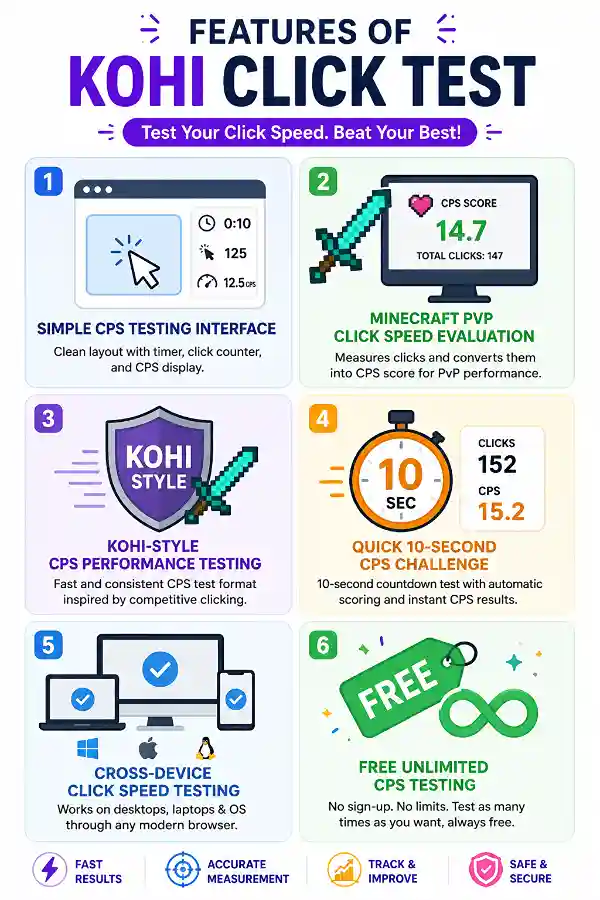
A Kohi Click Test is a CPS (Clicks Per Second) testing tool mainly used by Minecraft PvP players to measure their clicking speed. It counts how many times you can click within a fixed time and calculates your average CPS score.
Why do Minecraft players use the Kohi Click Test?
Minecraft PvP players use this test to check their clicking speed before competitive gameplay. A CPS measurement helps players understand their clicking performance and compare different clicking techniques.
What does CPS mean in the Kohi Click Test?
CPS stands for Clicks Per Second. It represents the average number of mouse clicks you make every second during the test period.
How does the Kohi Click Test work?
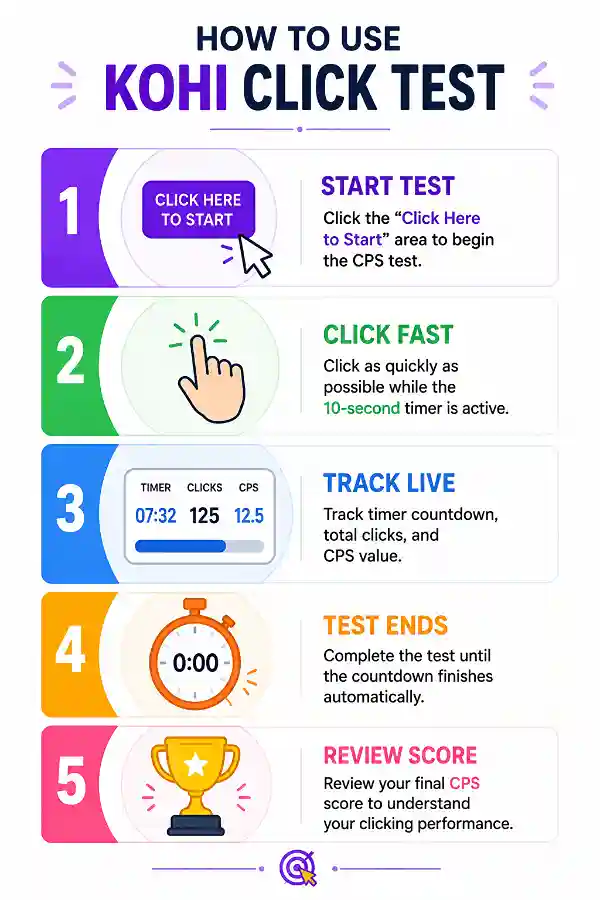
Click the start area to begin the challenge, then click your mouse repeatedly during the 10-second countdown. The tool records your clicks and automatically calculates your final CPS score.
Is the Kohi Click Test only for Minecraft players?
Although it is popular among Minecraft PvP players, anyone can use it to measure mouse clicking speed, test a gaming mouse, or practice faster clicking.
Can Kohi Click Test improve my Minecraft PvP skills?
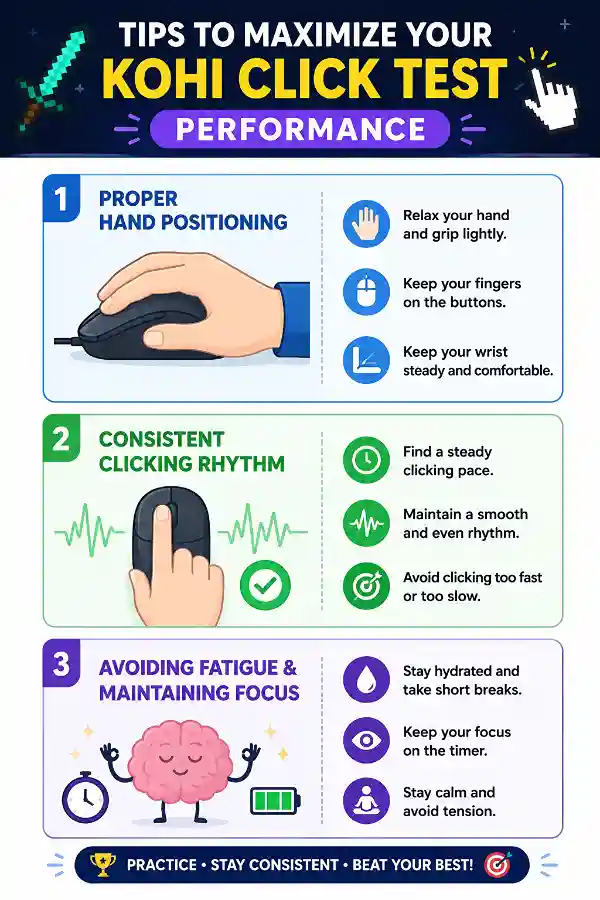
The tool can help you understand your clicking speed and consistency. Regular practice may help you become more familiar with your clicking technique, but overall PvP performance also depends on movement, timing, strategy, and game experience.
What is a good CPS score for Minecraft PvP?
A good CPS (Clicks Per Second) score depends on your clicking method and experience level.
CPS Score Breakdown:
1–4 CPS: Slow or casual clicking speed
5–7 CPS: Average speed for everyday users and gamers
8–10 CPS: Fast clicking performance
10–14 CPS: Very fast speed using advanced clicking techniques
15+ CPS: Elite-level clicking speed
For Minecraft PvP, 10–14 CPS is generally considered a strong competitive range, while higher scores depend on clicking technique, accuracy, and consistency.
Can I test butterfly clicking with the Kohi Click Test?
Yes. Players can use the test to measure their CPS while practicing different clicking methods, including butterfly clicking. Results may vary depending on technique, mouse type, and consistency.
Can I use Kohi Click Test for jitter clicking?
Yes. The tool can measure the CPS achieved through jitter clicking. Players can compare their results with other clicking styles to understand their performance.
Does a higher CPS guarantee better Minecraft PvP performance?
No. CPS is only one part of gameplay performance. Reaction time, aim, movement, game knowledge, and strategy are also important factors in PvP.
Why are some clicks not counted in the test?
Missed clicks can happen if the mouse does not register every input, the clicking method is inconsistent, or the hardware has click registration limitations.
Does Kohi Click Test work with wireless gaming mice?
Yes. It can work with wireless mice if the device is properly connected and the browser receives mouse input correctly.
Why is my CPS lower on this test compared to another CPS tester?
Different CPS tests may use different timers, detection methods, or interfaces. Small variations between tools are normal.
Does Kohi Click Test require any software installation?
No. The test runs directly in your browser and does not require downloads, plugins, or additional programs.
Does mouse polling rate affect CPS results?
A mouse with better response capabilities may provide more consistent input, but your clicking technique and physical clicking speed have a major impact on CPS.
Is the Kohi Click Test useful before playing BedWars or SkyWars?
Yes. Minecraft players often use quick CPS tests as a warm-up before PvP game modes like BedWars or SkyWars to check their clicking speed.
Who all can use Kohi Click Test?
The tool is useful for Minecraft PvP players, competitive gamers, gaming mouse users, and anyone interested in measuring their clicking speed and CPS performance.
Why do Minecraft players use the Kohi Click Test?
Minecraft PvP players use the Kohi Click Test to measure CPS and understand their clicking ability before competitive gameplay. It is especially useful for players practicing clicking techniques and improving consistency.
Can the Kohi Click Test measure butterfly clicking and jitter clicking?
Yes, players can use the tool to test different clicking methods and compare their CPS results. The final score depends on clicking technique, mouse capability, and how consistently clicks are registered.
How can I find which key is causing problems on my Mac keyboard?
If certain keys on your Mac keyboard are not responding, it can be difficult to identify whether the issue is with one key or the entire keyboard. Using the
Mac Keyboard Tester allows you to press each key individually and check whether the input is detected correctly. It helps users quickly locate faulty keys before deciding on repairs or replacement.
Why does my typing speed decrease during long work sessions?
Typing speed often drops during extended tasks because of fatigue, inconsistent rhythm, or reduced accuracy. A
30-minute test helps measure how well you maintain typing speed over a longer period. It provides a more realistic view of daily typing performance compared to short tests.